

r/Adobe
Know the rules before you post. So easy grandma can do it.
- To post
- No minimum in the rules
- To comment
- No minimum in the rules
- Self-promotion
- Banned
- Links
- Allowed with conditions
- No irrelevant links, self-promotion, or affiliate links.
- Promo risk
- High
- From the rules, not from removal counts
- Community age
- 11 years
- Since Jul 2015

About r/AdobeIllustrator
A source-backed Rankhog guide to r/AdobeIllustrator: public rules, community context, posting fit, and startup-promotion risk before you publish.Checked from the r/AdobeIllustrator rules on Reddit. Look up any subreddit's numbers in the free subreddit stats checker.
r/AdobeIllustrator rules
12 rules, in the community's own words.
- 1
Be respectful and constructive in replies.
We do not tolerate any form of discrimination, hate, or personal attacks. Users who cannot interact respectfully with others will banned. If your comment is rude and unconstructive it will be removed.
- 2
Follow the Help Request Guidelines
⚠ SEARCH BEFORE POSTING ⚠ Include the question in the title of the post & the following information in the post: 1) Goal: Explain what you are trying to do. 2) Steps: List the steps or methods you have tried. 3) Problem: Describe the exact problem or issue. 4) Visuals: Always include a screenshot or video of the issue if possible. Full Help Request Rules & Guidelines: https://www.reddit.com/r/AdobeIllustrator/wiki/community_rules/help-request-rules/
- 3
NO NSFW Content
Any explicit content that contains nudity, sexual themes, or is otherwise objectionable or indecent is not allowed.
- 4
NO Discussion of Piracy
Posts that endorse, request, or discuss illegal activities such as software and media pirating are not allowed.
- 5
NO Spamming
Please avoid posting links to irrelevant content, seld-promotion, affiliate links, and excessive or disruptive off-topic discussions.
- 6
NO Impersonation posting work that is not your own without proper credit.
Impersonation, missing credit, improperly credited artwork, or a stock asset with minimal customization.
- 7
NO Job-Seeking, Job Offers or Free Work Requests.
Please see rule 6: no job-seeking, job offers, or free work requests. This sub is not for promoting your business, finding work, or offering or asking for free or paid design jobs. You may not request that people complete work for you. You may not request private assistance through DM or off site. This includes asking for answers to homework assignments.
- 8
No Off-Topic or Low Effort Posts
Please keep post subjects related to Adobe Illustrator and vector art. Off topic posts include questions such as "What style/font is this?", rants and/or debates over alternate tools & technology, more general questions about graphic design / career advice etc. Low Effort Posts include single images with no post body, critique requests with no information etc.
- 9
Technical Support or Account/Billing Issues should be directed to official Adobe sources.
Technical issues such as error messages, program crashes, bugs, hardware issues, installation problems or account/billing issues are considered "Technical Support" and should be directed to official Adobe support channels or the official Adobe Illustrator community forums. See: https://www.reddit.com/r/AdobeIllustrator/wiki/adobesupport for links.
- 10
Please search before posting a question.
Search this sub, search Reddit, search Google, search YouTube, search the official Illustrator Forum. Do not ask simple questions that others will need to search for you. If you do not know what to search for to answer your question you may post what you are trying to look up, be sure to follow the complete Help Request Guidelines (Rule #2) when doing so.
- 11
Controversial Posts Policy
Posts and comments that include artwork or discussions that lead to off topic debates may be locked or removed at the discretion of the moderation team. This includes but is not limited to: political topics, religious topics, AI debate, general ranting etc.
- 12
Follow Reddit's Sitewide Rules
Users are required to follow Reddit's sitewide content policies and rules. They can be found here: https://www.redditinc.com/policies/content-policy
What to post in r/AdobeIllustrator
What fits the room, and what gets removed.
Works well
- A detailed help request that states your goal, the steps you already tried, the exact problem, and a screenshot, built around a real vector art question you are wrestling with in your own product work
- A critique request with real information in the body, explaining what you made in Illustrator, what you were going for, and what feedback you want
- Work you made yourself in Illustrator, posted with a proper post body so it is not a low effort single image
- A genuinely useful comment answering someone else's help request with your own experience, with no link attached
- A process breakdown of a vector technique you solved, written as learning in public rather than promotion
Avoid
- Posting a link to your product, tool, or portfolio site, which rule 5 removes as self promotion
- Dropping an affiliate link anywhere in a post or comment
- Asking members to complete design work for you or offering paid gigs, which rule 7 bans outright
- Taking a help request into DMs to pitch your service off site, which rule 7 calls out by name
- Reposting someone else's artwork without proper credit, which rule 6 treats as impersonation
- Posting technical crash reports or billing complaints, which rule 9 sends to official Adobe support channels instead of the sub
Best hours to post in r/AdobeIllustrator
No pattern yet. r/AdobeIllustrator does not have enough top posts from the last 90 days to name its best hours.
What actually works in r/adobeillustrator
These are the highest scoring posts Rankhog observed in r/adobeillustrator over the past month, with what each one did differently. Rankhog watches this community continuously, so it sees posts when they are published and again as they climb.
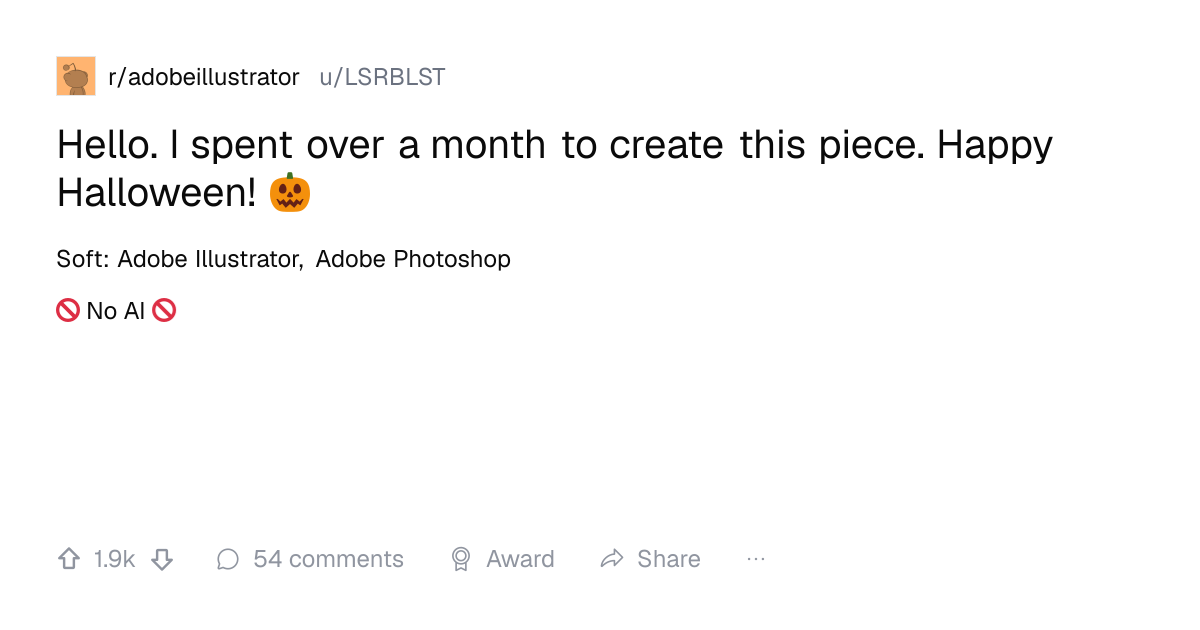
- Upvotes
- 1.9k
- Comments
- 54
- Posted
- Oct 31, 2026
Why it worked
- Rankhog breakout tier from a local post-score estimate
- Told in the first person
- Kept short enough to read in one pass
- Almost no downvotes (99% upvoted)
- Upvotes
- 533
- Comments
- 41
- Posted
- Nov 3, 2026
Why it worked
- Rankhog breakout tier from a local post-score estimate
- Asks the community a question instead of announcing something
- Almost no downvotes (100% upvoted)
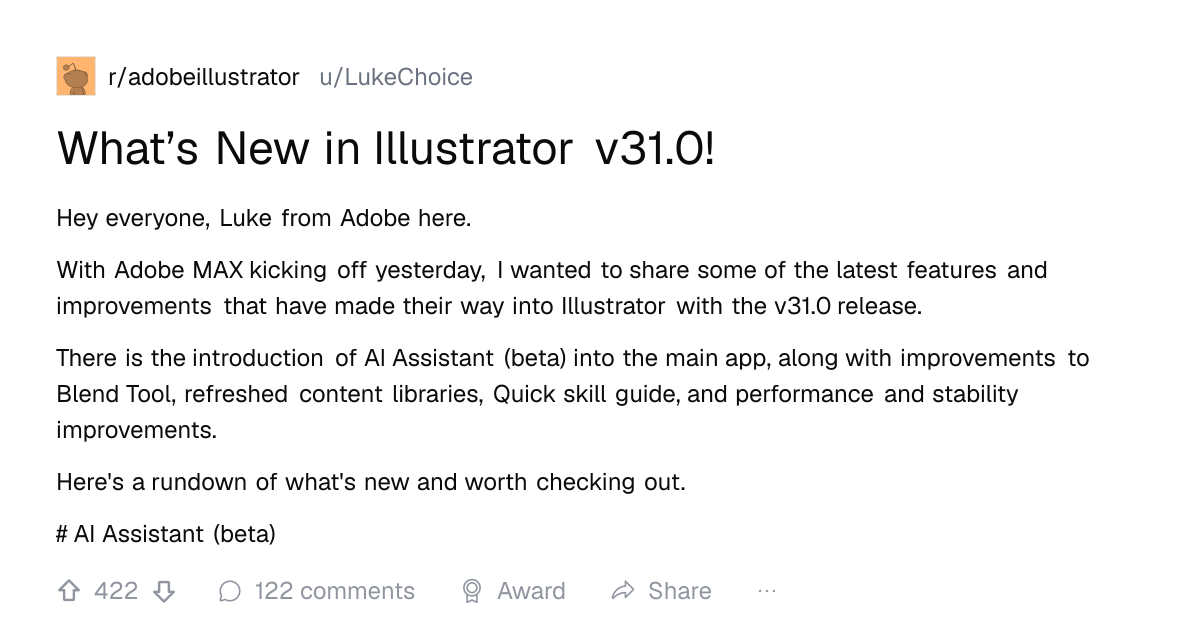
- Upvotes
- 422
- Comments
- 122
- Posted
- Nov 11, 2026
Why it worked
- Rankhog breakout tier from a local post-score estimate
- Broken into a scannable list
- Short paragraphs rather than one block of text
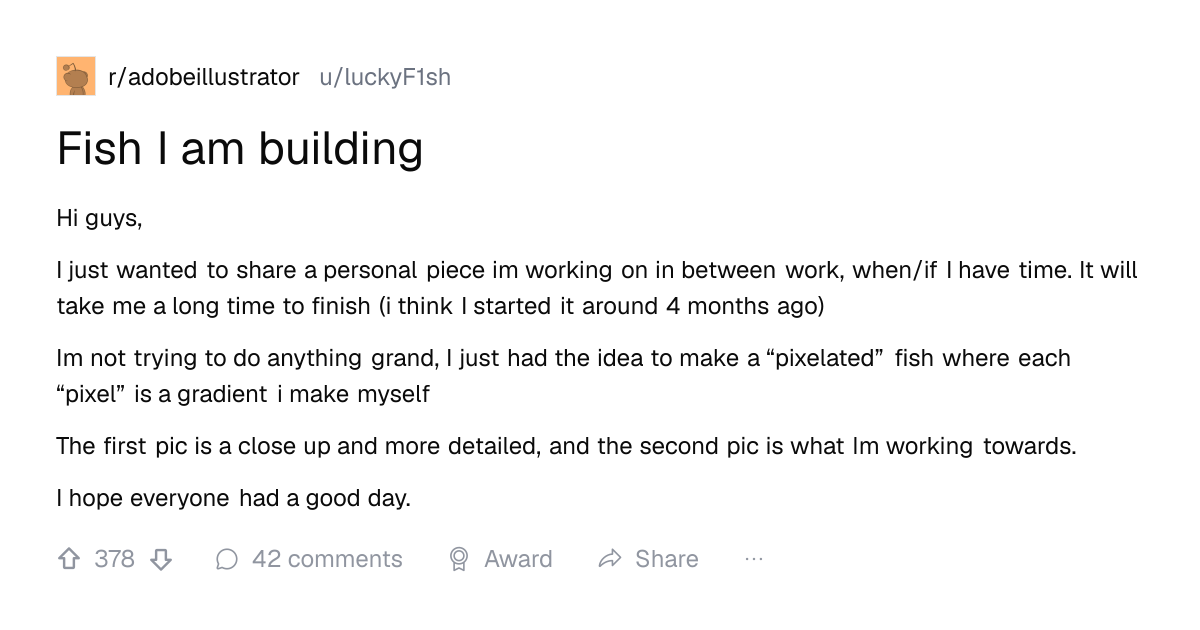
- Upvotes
- 378
- Comments
- 42
- Posted
- Nov 11, 2026
Why it worked
- Rankhog breakout tier from a local post-score estimate
- Told in the first person
- Short paragraphs rather than one block of text
- Almost no downvotes (100% upvoted)
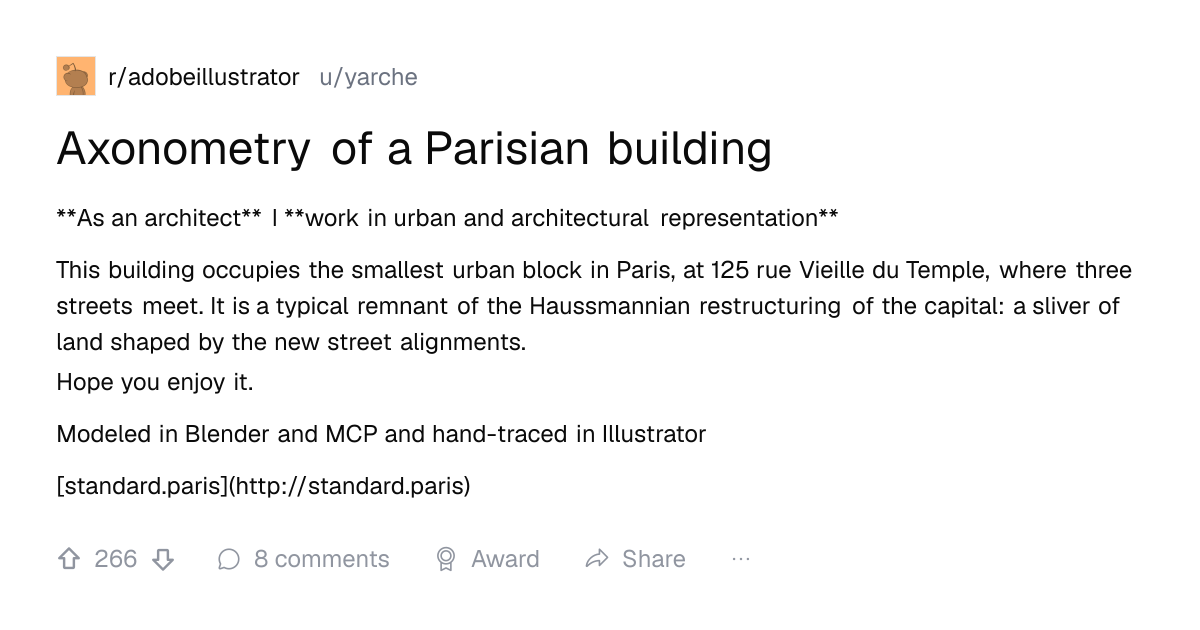
- Upvotes
- 266
- Comments
- 8
- Posted
- Nov 17, 2026
Why it worked
- Rankhog top tier from a local post-score estimate
- Short paragraphs rather than one block of text
- Almost no downvotes (100% upvoted)
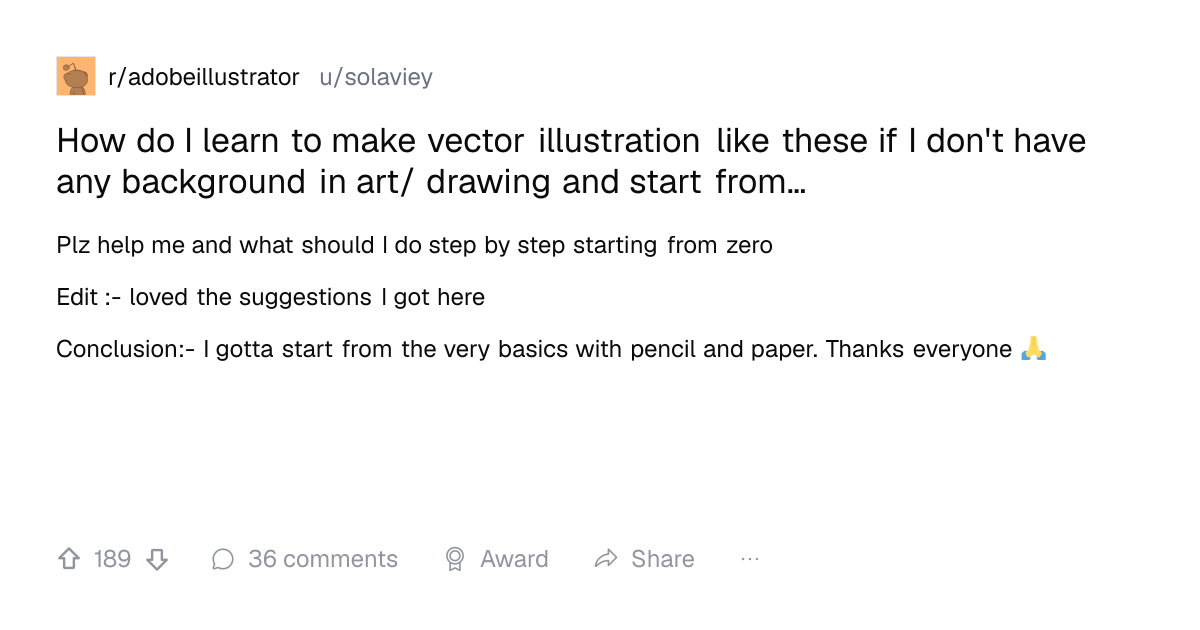
- Upvotes
- 189
- Comments
- 36
- Posted
- Nov 7, 2026
Why it worked
- Rankhog top tier from a local post-score estimate
- Told in the first person
- Short paragraphs rather than one block of text
- Kept short enough to read in one pass
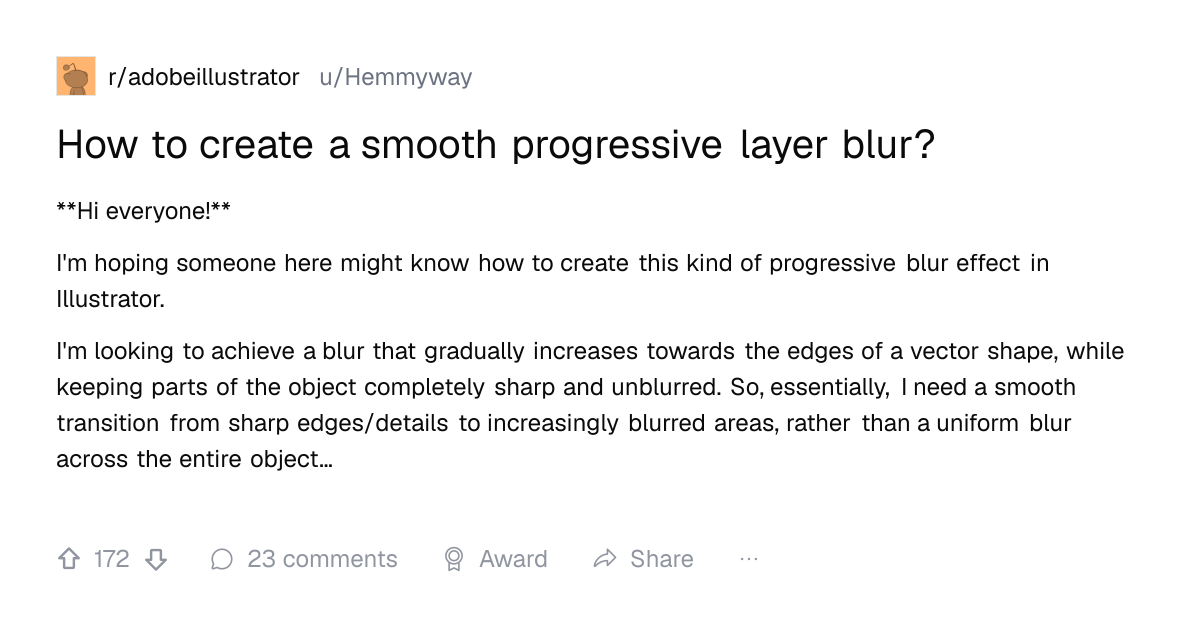
- Upvotes
- 172
- Comments
- 23
- Posted
- Nov 21, 2026
Why it worked
- Rankhog top tier from a local post-score estimate
- Asks the community a question instead of announcing something
- Short paragraphs rather than one block of text
- Almost no downvotes (99% upvoted)
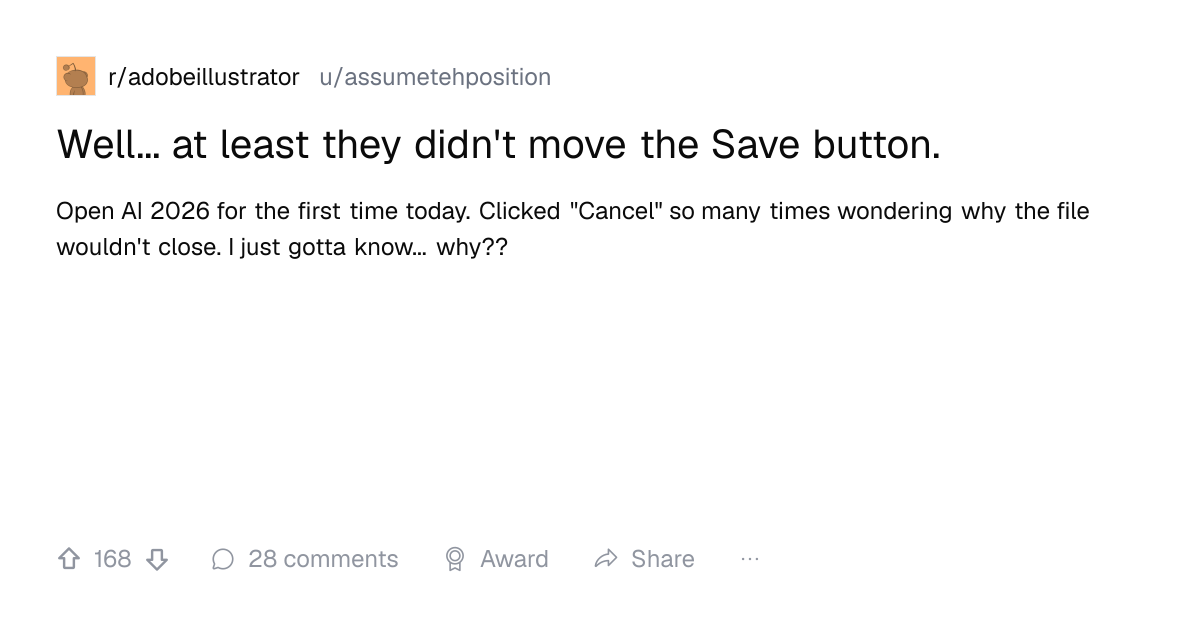
- Upvotes
- 168
- Comments
- 28
- Posted
- Nov 10, 2026
Why it worked
- Rankhog top tier from a local post-score estimate
- Kept short enough to read in one pass
- Almost no downvotes (96% upvoted)
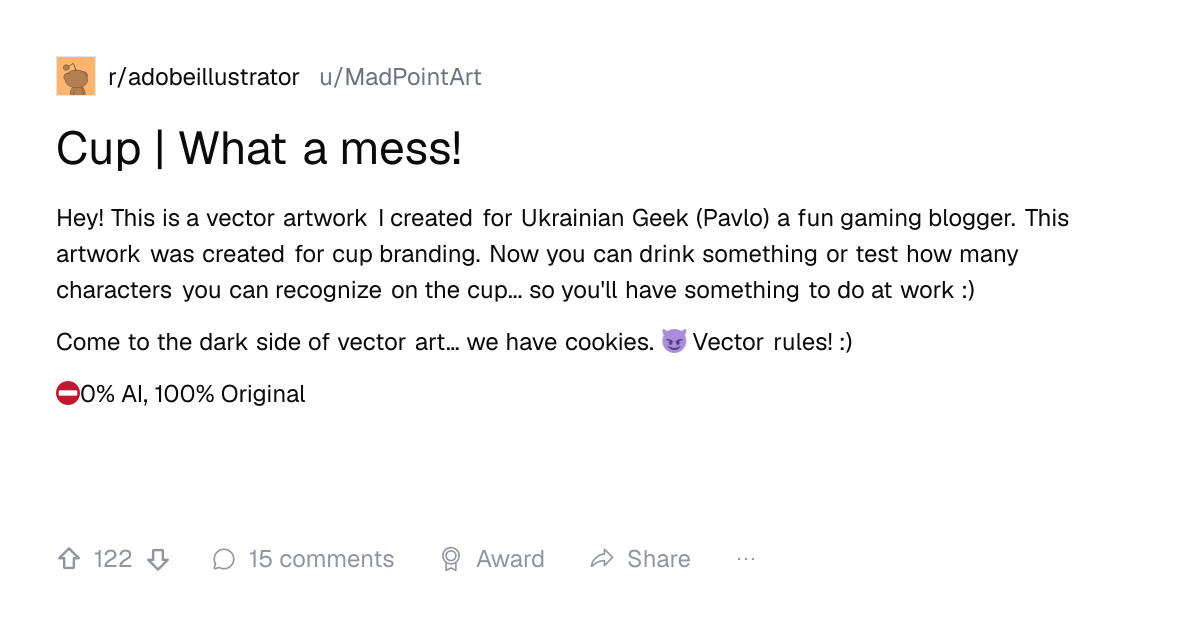
- Upvotes
- 122
- Comments
- 15
- Posted
- Nov 2, 2026
Why it worked
- Rankhog top tier from a local post-score estimate
- Short paragraphs rather than one block of text
- Kept short enough to read in one pass
- Almost no downvotes (99% upvoted)
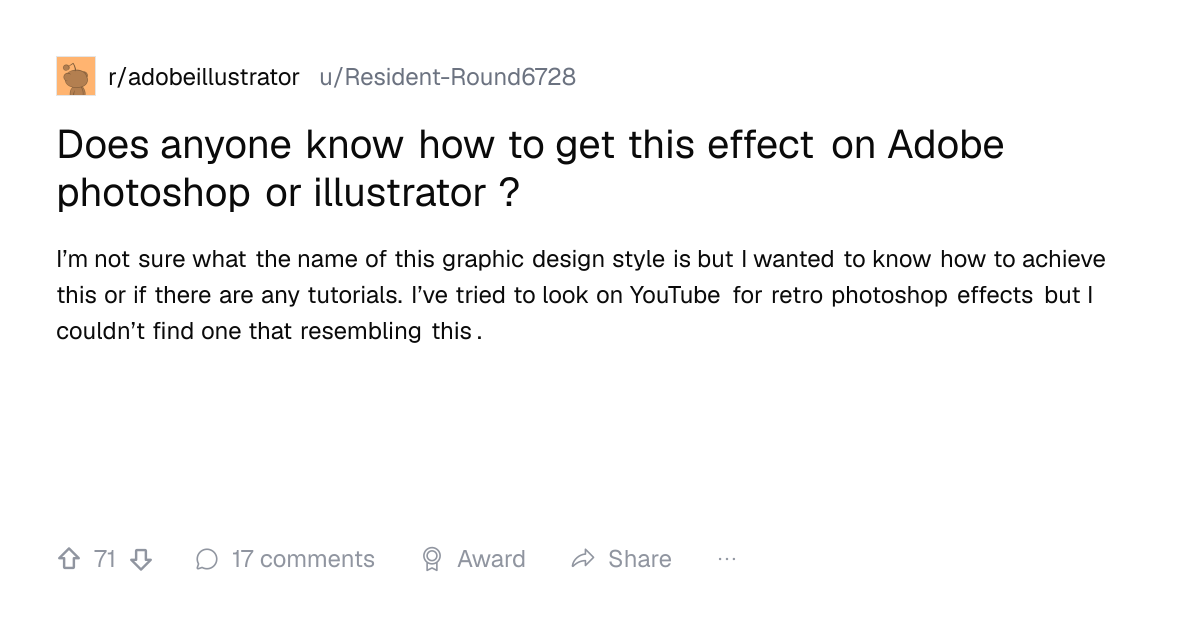
- Upvotes
- 71
- Comments
- 17
- Posted
- Nov 22, 2026
Why it worked
- Rankhog top tier from a local post-score estimate
- Asks the community a question instead of announcing something
- Kept short enough to read in one pass
- Almost no downvotes (96% upvoted)
What r/AdobeIllustrator Is For
This is the home of Adobe Illustrator on Reddit, an independent community of people who love vector art and want to learn, critique, connect, and get inspired. The description says it plainly, so that is who you will find here: enthusiasts sharing their Illustrator work, asking for critique, and helping each other solve problems inside the tool. The rules make the scope very clear. Posts need to be related to Adobe Illustrator and vector art, so general graphic design chat, career advice, and style identification questions are out. Help requests are welcome but they have to follow a strict format with your goal, your steps, your problem, and a visual. This is a skill community, not a marketplace, so job talk and free work requests are banned, and self promotion is not welcome either.
Rules That Matter Before Posting
The rule that decides most marketing outcomes here is “NO Spamming”, which asks people to avoid links to irrelevant content, self promotion, affiliate links, and disruptive off topic discussion, so drop your link and your post survives or dies on this one. “NO Job-Seeking, Job Offers or Free Work Requests.” matters just as much, because it says outright that this sub is not for promoting your business, and it also bans asking people to complete work for you or take help private through DM or off site. “No Off-Topic or Low Effort Posts” removes anything not related to Adobe Illustrator and vector art, including single images with no post body and critique requests with no information. “Follow the Help Request Guidelines” sets the format for any question post, requiring the question in the title plus your goal, steps, problem, and a screenshot or video. “NO Impersonation posting work that is not your own without proper credit.” protects original work, so never share artwork that is not yours without credit. Finally, “Be respectful and constructive in replies.” governs how you behave in comments, since rude or unconstructive replies get removed.
What To Post
The safest and most respected post here is real work you made yourself, shared with a proper post body that explains what you did and why, or a thoughtful critique request that gives people enough context to actually help you. If you are stuck on something in Illustrator while building your product, a help request done right is a great fit: put the question in the title, then give your goal, your steps, your problem, and a screenshot. Answering other people's help requests with genuinely useful replies is also a strong move, because rule 1 rewards respectful and constructive interaction and the whole community runs on people helping each other. If you ever mention a tool you built, keep it in passing and inside a contribution that stands on its own, because any post that reads as promotion falls under “NO Spamming”.
What To Avoid
Do not post links to your product, affiliate links, or anything self promotional, because “NO Spamming” covers exactly that. Do not ask people to do work for you, do not post job offers or look for hires, and do not request private help through DM or off site, because “NO Job-Seeking, Job Offers or Free Work Requests” bans all of that. Never post artwork that is not yours without proper credit, because “NO Impersonation posting work that is not your own without proper credit.” includes missing credit and stock assets with minimal customization. Skip technical support and billing questions entirely, because rule 9 sends those to official Adobe channels. Do not ask what font a design uses, do not rant about alternate tools, and do not post a single image with no post body, because “No Off-Topic or Low Effort Posts” removes all of these. Stay away from political, religious, and AI debate topics under “Controversial Posts Policy”, and keep every reply respectful under “Be respectful and constructive in replies.” because rudeness gets comments removed and users banned.
A note from Anthony
The description says learn, critique, connect, and get inspired, and the rules read like a community that takes that mission seriously, with a formatted help request process and a hard ban on business promotion. What stands out to me is rule 7 spelling out that you cannot even take a help request private through DM, which tells me the moderators here are watching for people who help in public and pitch in private. I have no history in this community myself, but reading these rules, I would show up here to answer vector art questions honestly and expect nothing back.
By Anthony Riera, founder and operator of Rankhog. Every guide is built from the community's own public rules and data, then checked by Rankhog's grounding audit before it goes live.
Common questions about r/AdobeIllustrator
What subreddits are similar to r/AdobeIllustrator?
Can I share a tutorial from my own site?
Can I hire an Illustrator expert here?
Can I ask people to make a logo for me?
What does a good help request look like?
Can I post a screenshot of a design and ask what font it is?
Subreddits like r/AdobeIllustrator
Other rooms for the same crowd.